Reach the console remotely
Troubleshoot at BIOS level when a remote desktop session cannot get you where you need to go.
.e977597a.png&w=384&q=75&dpl=dpl_CtwjUnD2VJrTweAA9kSg58Q35u86) KVM & REMOTE ACCESS(800) 217-8085Talk to a KVM specialist
KVM & REMOTE ACCESS(800) 217-8085Talk to a KVM specialistRARITAN DOMINION KX III G2
Raritan KVM-over-IP puts remote server access within reach. Get BIOS-level control with Dominion KX III G2 — and build the right configuration with Matrix Solutions.
For data centers, distributed IT and technical teams.
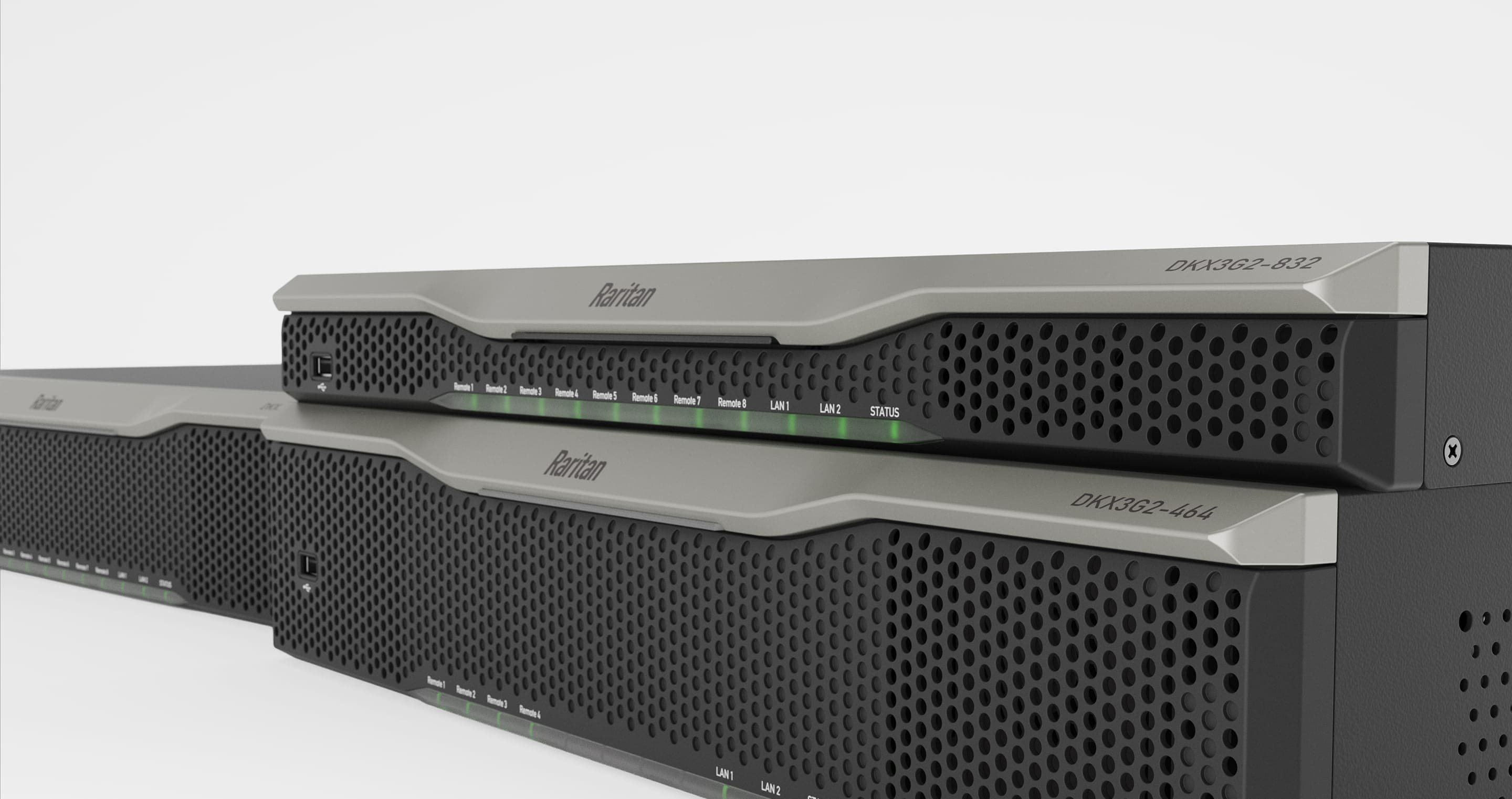
CONTROL BEYOND THE OPERATING SYSTEM
Troubleshoot at BIOS level when a remote desktop session cannot get you where you need to go.
Use virtual media for remote installation and diagnostics, with compatible CIMs and target systems.
Choose the server capacity and remote-session count you need, with local HDMI access at the rack.
CHOOSE YOUR RARITAN LINE
Multi-server KVM-over-IP. Compare 8–96 ports and 1–8 remote sessions for rack and data center access.
Compare models & prices ↗Single-port 4K KVM-over-IP for a workstation or other individual target requiring high-resolution remote access.
View KX IV-101 ↗Switch between computers at a local desk. Match the exact model’s security certification and peripheral support to your requirements.
Explore RSS secure desktop KVM ↗THE DOMINION KX III G2 LINEUP
Start with your server count and simultaneous remote sessions. Every model listed includes an HDMI local port, virtual media and dual power.
| Model | Server ports | Remote sessions | Price (USD) | Availability & lead time | Shop |
|---|---|---|---|---|---|
| Loading catalog prices and availability… | |||||
Confirm current pricing, availability and compatible accessories before ordering. Get help choosing your configuration.
BUILD THE COMPLETE CONNECTION
Match your server interfaces, add serial access and equip your operators.
 D2CIM-DVUSB-HDMI
 Choose the connection your server needs.
 DSAM-4
 SERIAL ACCESS
Connect DSAM modules to the KX III G2 over USB.
DSAM-2 · 2 serial ports ↗DSAM-4 · 4 serial ports ↗ DKX4-101
 MORE DOMINION OPTIONS
Ask Matrix to confirm compatibility for your setup.
SECURE DESKTOP ACCESS
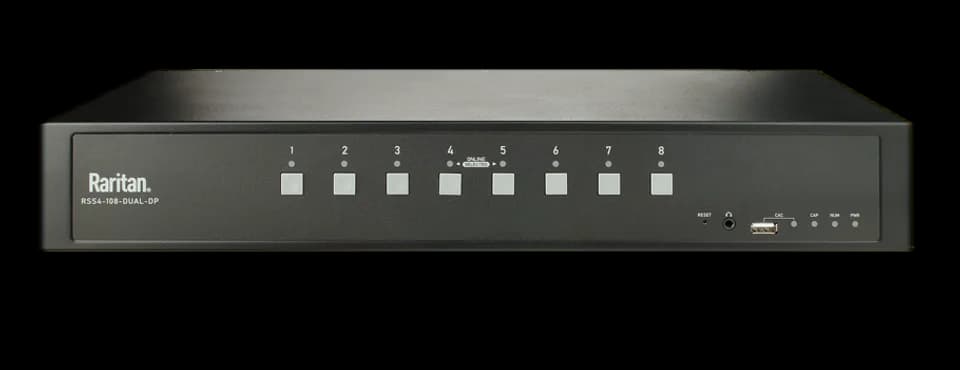
Share desktop peripherals across computers at different security classifications. RSS is Raritan’s secure desktop KVM family for government, military and other environments with system-isolation requirements.
Raritan describes its RSS 4.0 line as lab tested and certified to the NIAP Protection Profile for Peripheral Sharing Devices, version 4.0. Select the exact model for your required ports, displays and CAC support, and verify its certification for your procurement requirements.
YOUR PROJECT. YOUR CONFIGURATION.
Tell Matrix how many servers and remote users you need to support. We’ll help you select the switch, connections and accessories for your environment.
Have your server count, video connections and deployment timeline handy.
Email a quote request ↗Or call (800) 217-8085KVM BUYING GUIDE
From your first KVM switch to a larger deployment, start with the connections and access your team needs.
A keyboard, video and mouse (KVM) switch connects an operator to multiple computers. KVM-over-IP adds remote console access over a network, so administrators can work on connected systems without being physically at the rack.
Start with the number of servers you need to connect, then the number of simultaneous remote sessions your team needs. The models below offer 8 to 96 server ports and 1, 2, 4 or 8 remote sessions. Leave room for growth and confirm the required computer interface modules before ordering.
Plan a compatible CIM for each server connection. Match the CIM to the server’s video and USB interfaces and the features you need, including virtual media. Matrix can help check the switch, CIM and cabling combination for your project.
Dominion KX III G2 provides BIOS-level remote console access. This supports troubleshooting and recovery when an operating-system-based remote desktop tool is unavailable. The switch and its management network still need to be reachable.
DSAM-2 and DSAM-4 modules add two or four serial ports through a USB connection to the KX III G2. Include the serial devices you need to manage when planning your configuration.
Yes. You can explore other KVM options through the brand links below or ask Matrix to help compare a Raritan configuration with alternatives for your project.
| DKX3G2-108 | 8 | 1 | $2,185.39 | Ships in 5-10 business days | View product ↗ |
|---|---|---|---|---|---|
| DKX3G2-116 | 16 | 1 | $3,713.42 | Ships in 5-10 business days | View product ↗ |
| DKX3G2-132 | 32 | 1 | $4,697.80 | Ships in 5-10 business days | View product ↗ |
| DKX3G2-216 | 16 | 2 | $4,806.53 | Ships in 1-2 Weeks | View product ↗ |
| DKX3G2-232 | 32 | 2 | $5,462.23 | Ships in 5-10 business days | View product ↗ |
| DKX3G2-416 | 16 | 4 | $6,882.36 | Ships in 5-10 business days | View product ↗ |
| DKX3G2-432 | 32 | 4 | $7,831.88 | Ships in 5-10 business days | View product ↗ |
| DKX3G2-464 | 64 | 4 | $10,377.49 | Ships in 5-10 business days | View product ↗ |
| DKX3G2-808 | 8 | 8 | $4,767.52 | Ships in 5-10 business days | View product ↗ |
| DKX3G2-816 | 16 | 8 | $8,353.12 | Ships in 5-10 business days | View product ↗ |
| DKX3G2-832 | 32 | 8 | $9,646.26 | Ships in 5-10 business days | View product ↗ |
| DKX3G2-864 | 64 | 8 | $14,080.95 | Ships in 5-10 business days | View product ↗ |
| DKX3G2-896 | 96 | 8 | $15,097.70 | Ships in 5-10 business days | View product ↗ |